Visitors are not storing in database
-
I'm trying to debug the issue of visitors not being logging into the visits table but I'm not sure what might be the issue. I've visited the site too many times but nothing is logging.
I'm using bagisto v2.3.7.

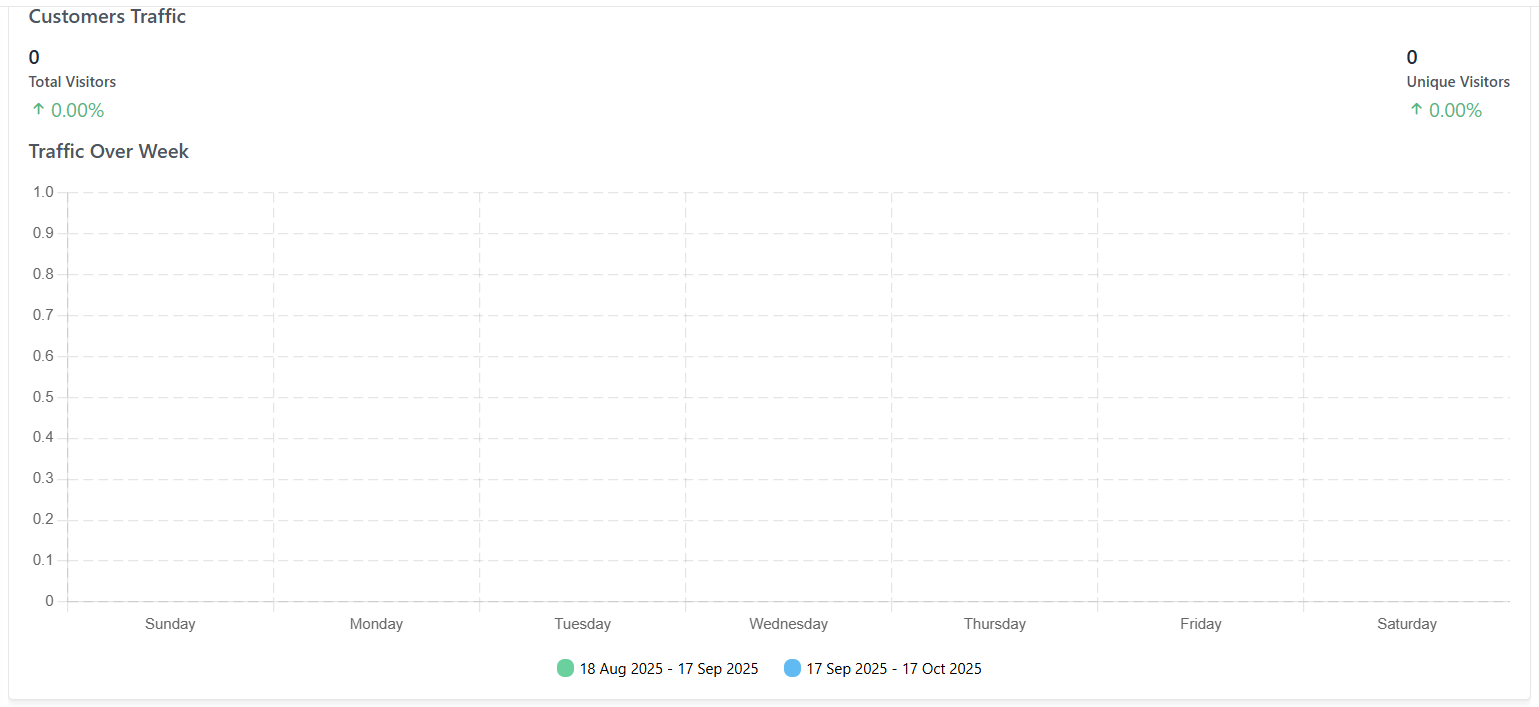
The visitor logging option is enabled as well via admin
Please let me know on this.
-
Hi,
Thank you for reaching out.
In Bagisto v2.3.7, visitor logging works through a queued process. When a user visits a supported page, the
visitor()->visit()method dispatches theUpdateCreateVisitIndexjob, which is responsible for inserting the record into thevisitstable. If any part of this process is not configured correctly, no records will be stored, even after multiple visits.Please go through the following checks:
1. Verify that Visitor Logging is Enabled
Navigate to Admin → Configure → General → General → Visitor Options and ensure that Enabled is set to ON.
This option is disabled by default in Bagisto. If it is disabled, visitor tracking exits immediately without creating any records.
After enabling it, please clear the application cache:
php artisan optimize:clear2. Verify That the Queue Worker Is Running
Visitor records are created through a queued job, so they are only written to the database after the queue worker processes them.
- Check the value of
QUEUE_CONNECTIONin your.envfile. - If it is set to
database,redis, orsqs, make sure a queue worker is running:
php artisan queue:work- In a production environment, the queue worker should be managed by Supervisor or systemd so it remains running.
- If
QUEUE_CONNECTION=sync, jobs are executed immediately and no queue worker is required.
You can also verify the queue status using Laravel Tinker:
DB::table('jobs')->count(); DB::table('failed_jobs')->count();- If the
jobscount continues to increase, the queue worker is not processing jobs. - If
failed_jobscontains records, please review theexceptioncolumn to identify the failure.
3. Verify the Page You're Testing
Visitor tracking is intentionally limited to the following pages:
- Home page
- Product pages
- Category pages (URL rewrite routes)
Visits to cart, checkout, search, CMS, and customer account pages are not recorded. Please perform your test on the homepage or a product/category page.
4. Understand Visit Deduplication
Bagisto stores only one visit per day for the same combination of:
- HTTP method
- URL
- IP address
- Visitor ID
- Channel ID
Refreshing the same page from the same IP address will not create additional records. To verify the functionality, try using an incognito window or access the site from a different IP address.
5. If Response Cache Is Enabled
If you have the following setting in your
.envfile:RESPONSE_CACHE_ENABLED=truecached responses bypass the controller. Bagisto still dispatches the visitor logging job through an event listener, but this also depends on Visitor Options → Enabled being turned on.
6. Check the Excluded URL List
Please review the
exceptarray in:config/visitor.phpAny URL matching these patterns will be excluded from visitor tracking. If this file has been customized, ensure that the page you're testing is not listed there.
Recommended Verification Steps
- Enable Visitor Options from the admin panel.
- Run:
php artisan optimize:clear- Temporarily set:
QUEUE_CONNECTION=sync- Clear the cache again.
- Open the storefront homepage in an incognito browser window.
- Run the following SQL query:
SELECT * FROM visits ORDER BY id DESC LIMIT 5;You should now see a new record in the
visitstable.Once you've confirmed that visitor logging is working, you can switch
QUEUE_CONNECTIONback todatabase(or your preferred driver) and ensure that a queue worker is running continuously.If the
visitstable is still empty after completing the above steps, please share the following information:- The value of
QUEUE_CONNECTIONfrom your.envfile. - The output of the following Tinker commands:
DB::table('jobs')->count(); DB::table('failed_jobs')->count();- Any recent entries from
storage/logs/laravel.log. - A screenshot of Admin → Configure → General → General → Visitor Options.
With this information, we'll be able to identify the root cause more accurately.
Best Regards,
Team Bagisto - Check the value of